Embedding
Put your agent’s chat on your own site with one line: a floating bubble, a chat bar along the bottom, or a block in the page.
The snippet
In Channels, open Chat widget, Chat bar or Support page, press Install on your agent’s row and copy it. Paste it on the pages it should help on, just before </body>. On a React or Next.js site, see Single-page apps.
Under the Chat widget’s and Chat bar’s snippets, Where to paste shows the steps for your site’s builder (Install on your site).
<script src="https://hiy.ai/embed.js" data-twin="your-name" data-mode="bar" async></script>data-mode picks how it looks:
bubble: a chat button, bottom right, that opens a panel. Not on the Free plan.bar: a slim message box along the bottom of the page.page: a Support page, the help page where you paste it.- Left out: a chat block where you pasted it (In the page on Chat bar › Install).
The loader adds only the chat and, for the bubble, a small stylesheet for the button. Copy yours from Install: it carries your form’s data-door.
Put your agent on your site
Open the state menu in the agent’s header and choose Live.
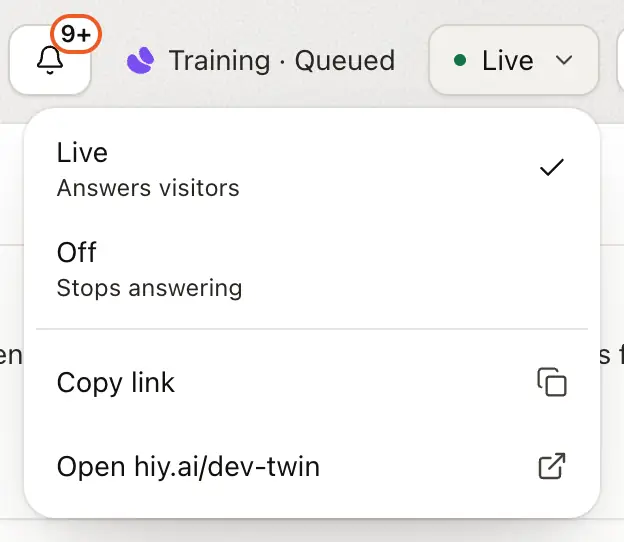
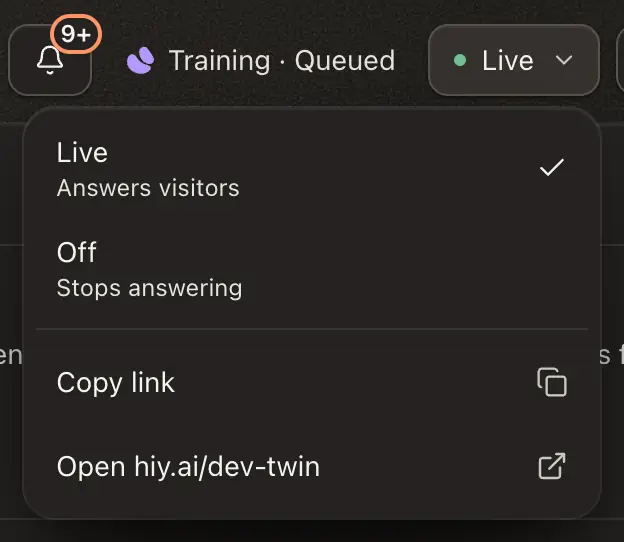
Support Agents only: list your website and choose Anyone on your sites under Who can open it.
In Channels, open Chat widget, press Install on your agent’s row, then Copy snippet. Or press Copy prompt and paste it into your coding agent.


Paste it on the pages it should help on, just before </body>. Where to paste under the snippet has the steps for your site builder.
A chat bar or a block (see The snippet), or your product for visitors your server signs in (see Restricted agents need a token).
Restricted agents need a token
A Support Agent or a Team Agent only answers visitors your server vouches for, unless the Support Agent is open on your site. Add data-token-url="/api/hiy-token": the loader asks that address on your site for a visitor token before it opens, and again when it expires. To write the token into the page instead, use data-token="…".
Warning
The token is readable by the visitor, and it rides in a URL: the chat’s web address, which reaches browser history and logs. Put nothing in it they may not see about themselves. See attested attributes.
Ready-made token code for Next.js, Node.js, WordPress and static hosts is in Recipes for the inline embed.
Writing the iframe yourself
/embed/your-name is a real page you can frame:
<iframe
  src="https://hiy.ai/embed/your-name"
  width="100%"
  height="600"
  style="border:0;border-radius:16px"
  referrerpolicy="strict-origin-when-cross-origin"
  title="Ask our AI agent"
></iframe>
Give it at least 500px of height. A restricted agent takes its token as ?token=… in the address. The script’s inline block is 520px tall and up to 680px wide, so write the iframe for another size.
What visitors see
The chat follows each visitor’s own light or dark setting and uses your agent’s accent colour. It keeps the citations, the honest “I don’t know” and the AI label. Where your agent can’t answer (it isn’t live, or Open on your site doesn’t cover that page), the bar and an inline block hide themselves, and the bubble shows This agent isn’t available right now when opened, then hides. That includes localhost and previews.
The floating bubble
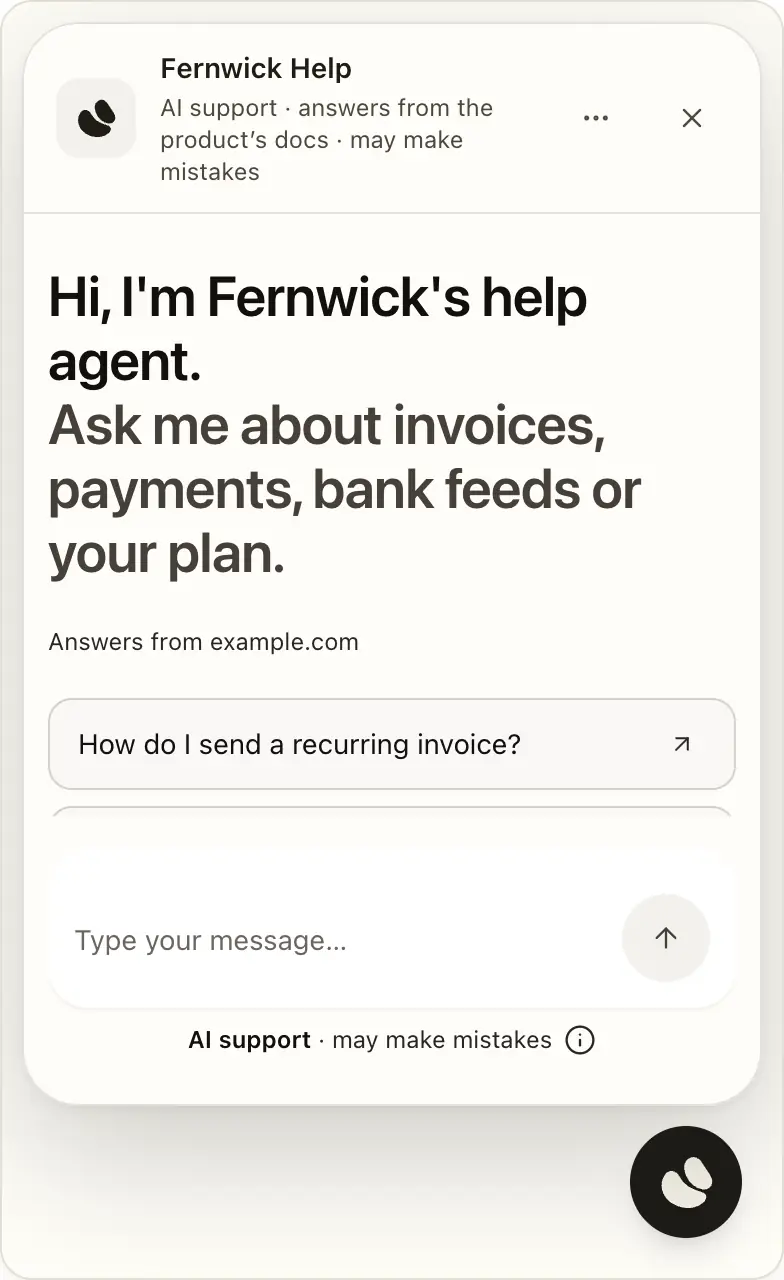
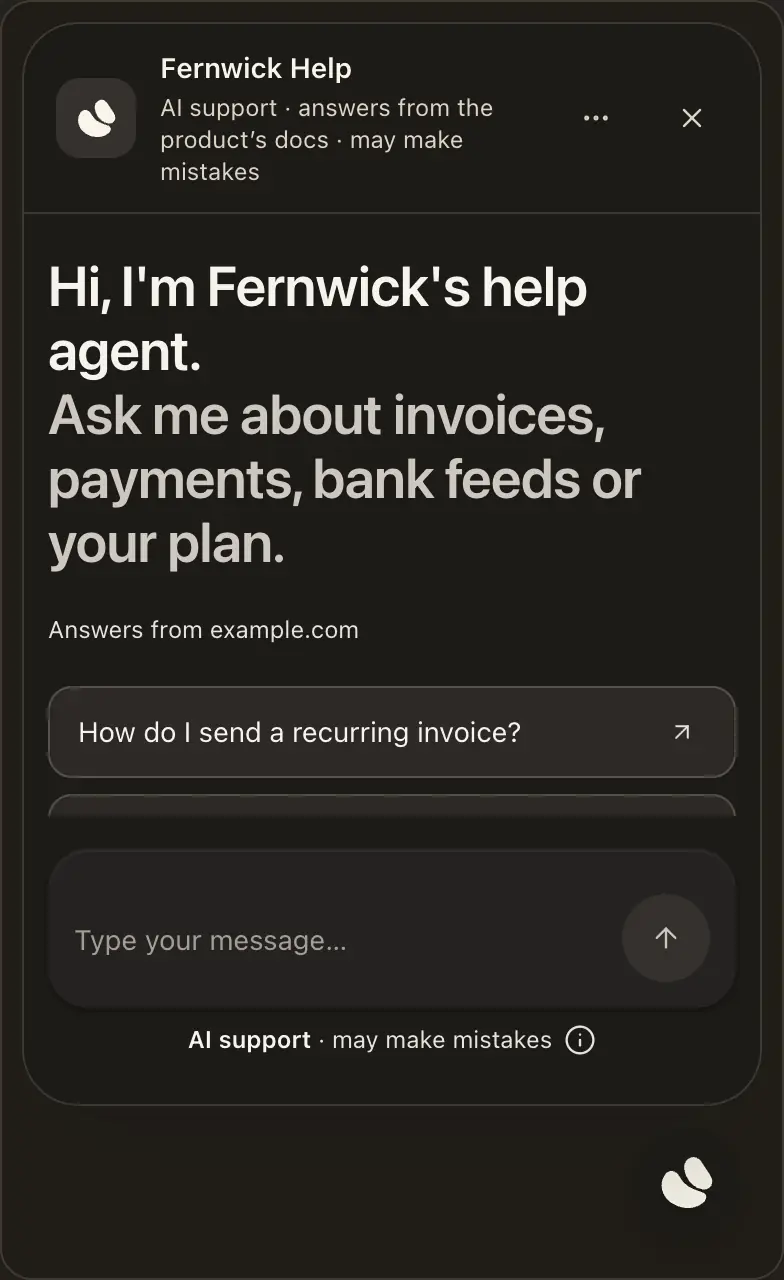
Nothing loads until a visitor points at, taps or tabs to the button. On a phone it opens full screen above the keyboard, and the page behind stays still; Esc or the button closes it. You set its look in Channels.
Launcher colour
The bubble’s snippet also carries data-color (your accent colour, or ink), data-name (your agent’s name), for the bottom-left corner data-side="left", and data-theme="light" or "dark" when you fix Light or dark in Style. They work only with data-color:
<script src="https://hiy.ai/embed.js" data-twin="your-name" data-mode="bubble" data-color="#0369a1" data-name="Store help" async></script>After you change the colour, name, corner or Light or dark, copy the snippet again. A snippet without data-color keeps the standard launcher.
The embedded chat bar
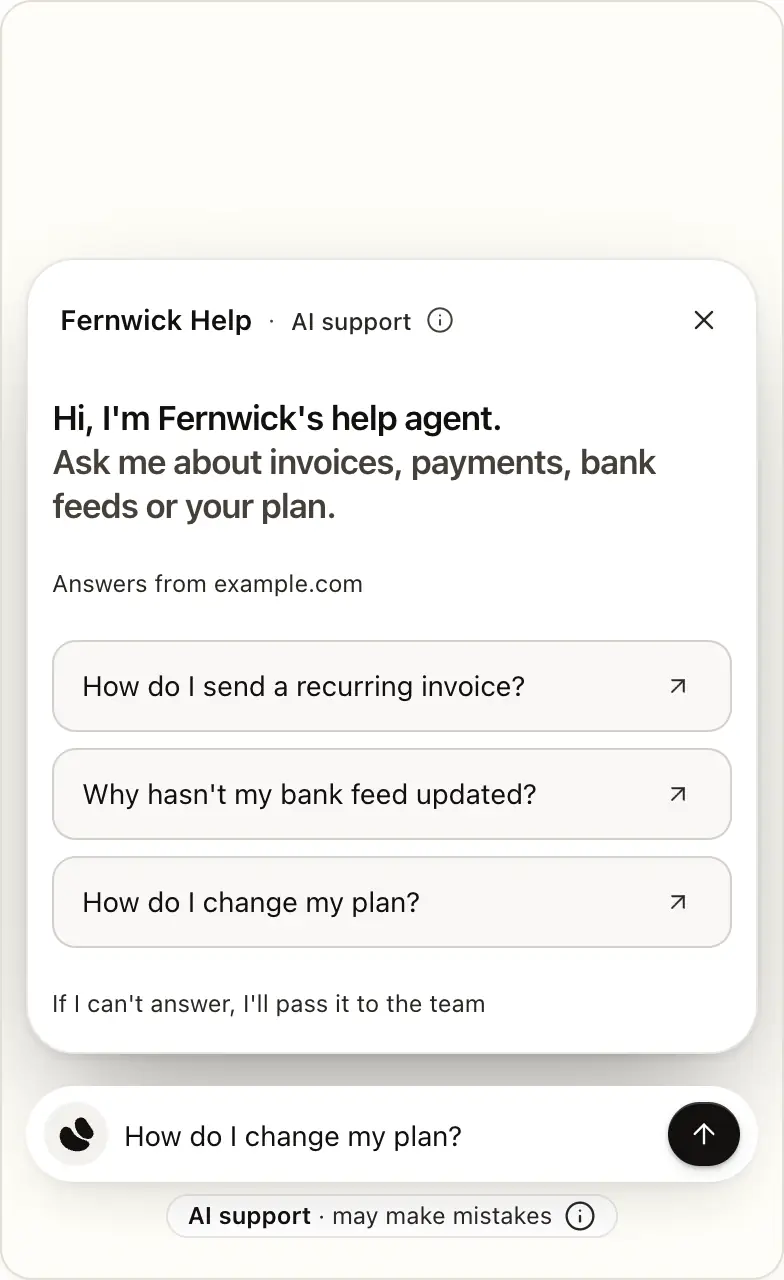
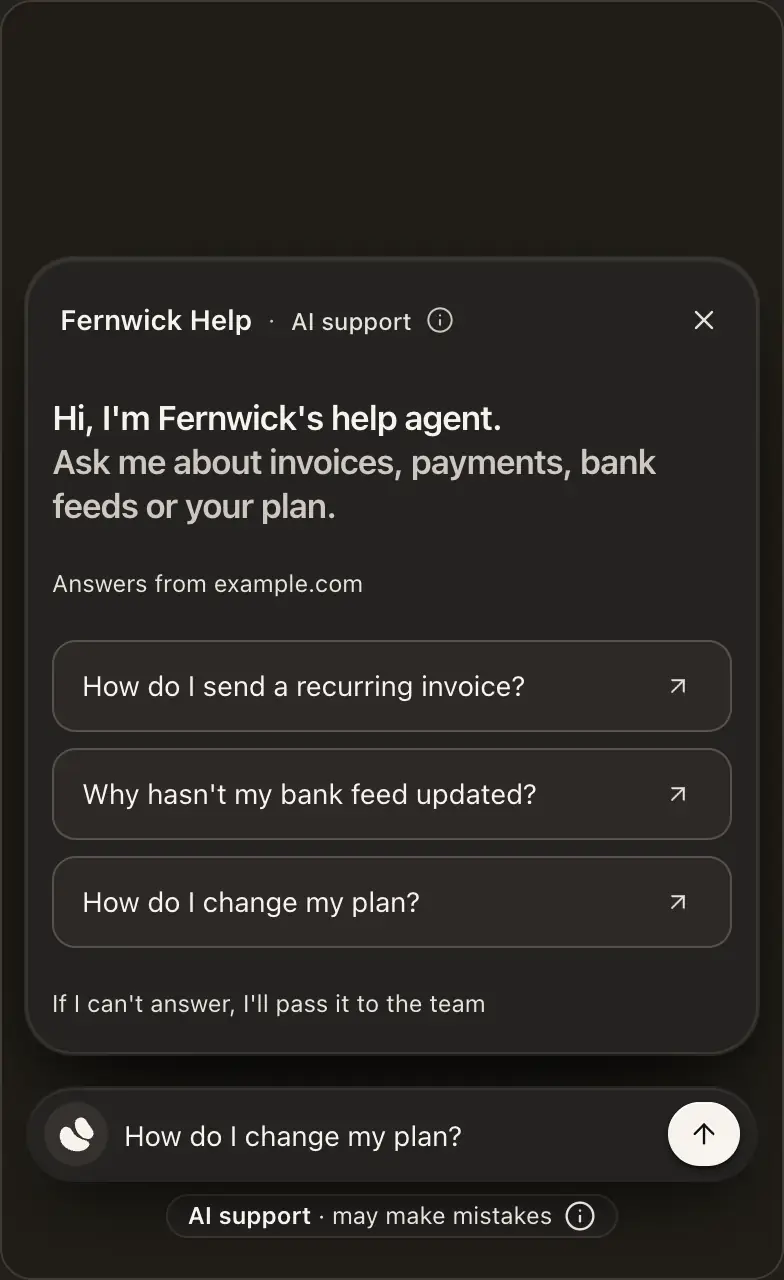
A small message box sits at the bottom of the page. A visitor’s first keystroke opens a card above it with your greeting and the conversation. Esc puts it away. See What a visitor sees.
To open the bar from your own button, set its behaviour to Your button in Channels, then add data-hiy-open to any element, or call window.hiy.open():
<button data-hiy-open>Talk to our agent</button>Languages
The widget’s own words follow the visitor’s browser language: English, Spanish, French, German, Portuguese, Italian or Dutch, and English otherwise. You can fix one language in Style. Your own greeting and starting questions are never translated. Answers follow whatever language the visitor writes in.
Allowed websites
List the sites that may show your agent under Allowed websites on Chat widget › Install. yoursite.com also covers other subdomains, such as www.yoursite.com; a listed www.yoursite.com covers only that host. Anywhere else, the chat shows This agent isn’t enabled for this website. An agent open on your site hides itself there instead. With the list empty, any site can show it.
The list decides where the chat appears, not who can ask. To keep answers private, make the agent restricted and use tokens.
If a listed site shows This agent needs a valid visitor token, the token’s aud doesn’t match the page: set it to exactly location.origin. While you build on your own computer, add localhost. An agent open on your site never answers there: test it on your live site.
Open on your site
A Support Agent can answer on your listed websites with no server and no token code. It suits a help centre, a docs site or a blog.
Setup lists the site you gave it. Add any other and save, on Chat widget › Install.
It stays off until a website is saved, and asks you once.
It’s the plain snippet, with no token address:
<script src="https://hiy.ai/embed.js" data-twin="your-agent" data-mode="bubble" async></script>hiy signs visitors in itself, only on https: pages of sites on your list. It never does so for localhost, hiy’s own pages, or a host many sites share, such as vercel.app or github.io: list yours.vercel.app instead.
Good to know
- Anyone on your sites can ask, and so can a script. Treat what the agent knows, and its instructions, as public. Visitors are anonymous: only look-ups that need no key run.
- Each day it answers up to a fifth of your allowance, each visitor a tenth of that, then stops until midnight UTC and emails you once. Each month it stops at 80% and never charges overage.
- Visitors can hand over once per conversation: 3 a day each, 20 a day per agent.
- Turning it off takes effect on the next message. Tokens from your own server keep working.
What your site needs
Paste the snippet as it is, once per page, as a classic script (not a module). After you change the colour, name or corner, copy it again. Don’t serve embed.js from your own domain: visitors must get the current version.
If your site sends these headers, add to the policy you already send:
| Header | Line |
|---|---|
| Content-Security-Policy | script-src https://hiy.ai |
| Content-Security-Policy | frame-src https://hiy.ai |
| Permissions-Policy, for calls | microphone=(self "https://hiy.ai") |
- With
'strict-dynamic'inscript-src, put the page’s nonce on the tag too. Don’t add'unsafe-inline'. - With no
frame-src, add one with yourdefault-srcsources plushttps://hiy.ai. - For the chat widget,
style-srcneeds'unsafe-inline'with no nonce or hash, or your script nonce. Otherwise the button may draw wrongly. - A Permissions-Policy that names
microphonemust include"https://hiy.ai":microphone=()andmicrophone=(self)both block calls. - Nothing else.
Single-page apps
- Add it once per page load:
next/scriptin a layout that stays mounted, or an effect that first checks it isn’t there. - It stays until a full page load. To hide it on some pages or over a phone menu, use
[data-hiy-part] { display: none !important; }.
Coding agent? Give it hiy.ai/install.md, the same steps as the hiy-install skill.
The chat shows “Powered by hiy” unless your plan removes it. See The hiy.ai credit.