Bar
The Bar is a message box on your website. A visitor types, and a card opens above it with your agent’s greeting, starting questions and the conversation. It works on every plan.
Put it on your site
Open Web chat › Bar › Install. Who can open it and the allowed websites are the agent’s, the same as on the Bubble. Your snippets has two:
- Floating bar floats over every page it is on. Paste it just before
</body>. - In the page sits where you paste it, as a block in your page.
If your visitors sign in, Signed-in users shows the token steps: tokens work on the Bar too.
Your button
Set Bar behaviour to Your button, and the bar shows nothing until a visitor presses an element on your page with data-hiy-open, or your script calls window.hiy.open().
<button data-hiy-open>Ask us</button>Bar behaviour and position
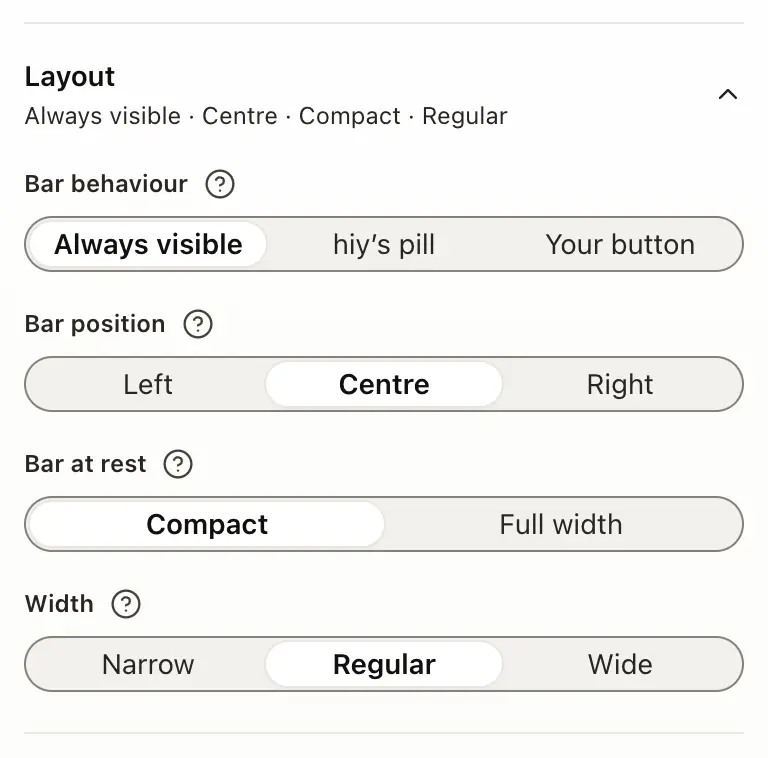
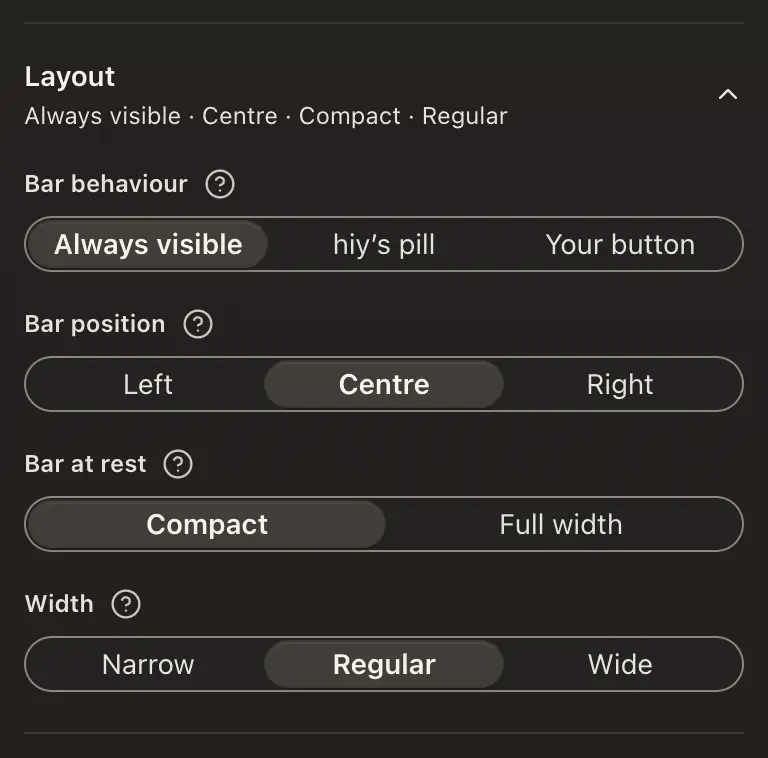
Under Style › Layout:
- Bar behaviour: Always visible keeps the message box on every page, hiy’s pill rests as a small pill and opens when tapped, and Your button waits for your own button.
- Bar position: Left, Centre or Right.
- Bar at rest: Compact rests as a small pill and widens when a visitor starts typing; Full width rests across the column.
- Width: how wide the bar is on a computer.
Under Look, the Bar can also wear Dark glass.
Typed starters
Under Welcome, Type starters has the resting bar type your starting questions one at a time, at most twice and 30 seconds in all, then rest on your placeholder. It stops as soon as a visitor focuses or types, and never runs for visitors who ask for reduced motion. Tick which starters it types.
What a visitor sees
At rest the bar is a message box. Focusing it shows up to three starting questions, and the first question or keystroke opens the card. Esc or ✕ folds the card away; the conversation is still there. On a phone, the open bar fills the screen.
Good to know
- The Bar is part of the new Channels layout, rolling out to workspaces in turn.
- Bar at rest and Type starters come with the new widget look.
- Your agent’s own greeting and starting questions show unless you change them in Style › Welcome.