Testing your agent
Test is a private chat with your agent, beside any of its pages. It answers the way visitors get answered, and nothing you ask there counts.
Test an answer
Test is in the agent’s header. It opens beside the page and keeps one conversation per agent, so you can fix something in Knowledge and come back to the same chat.
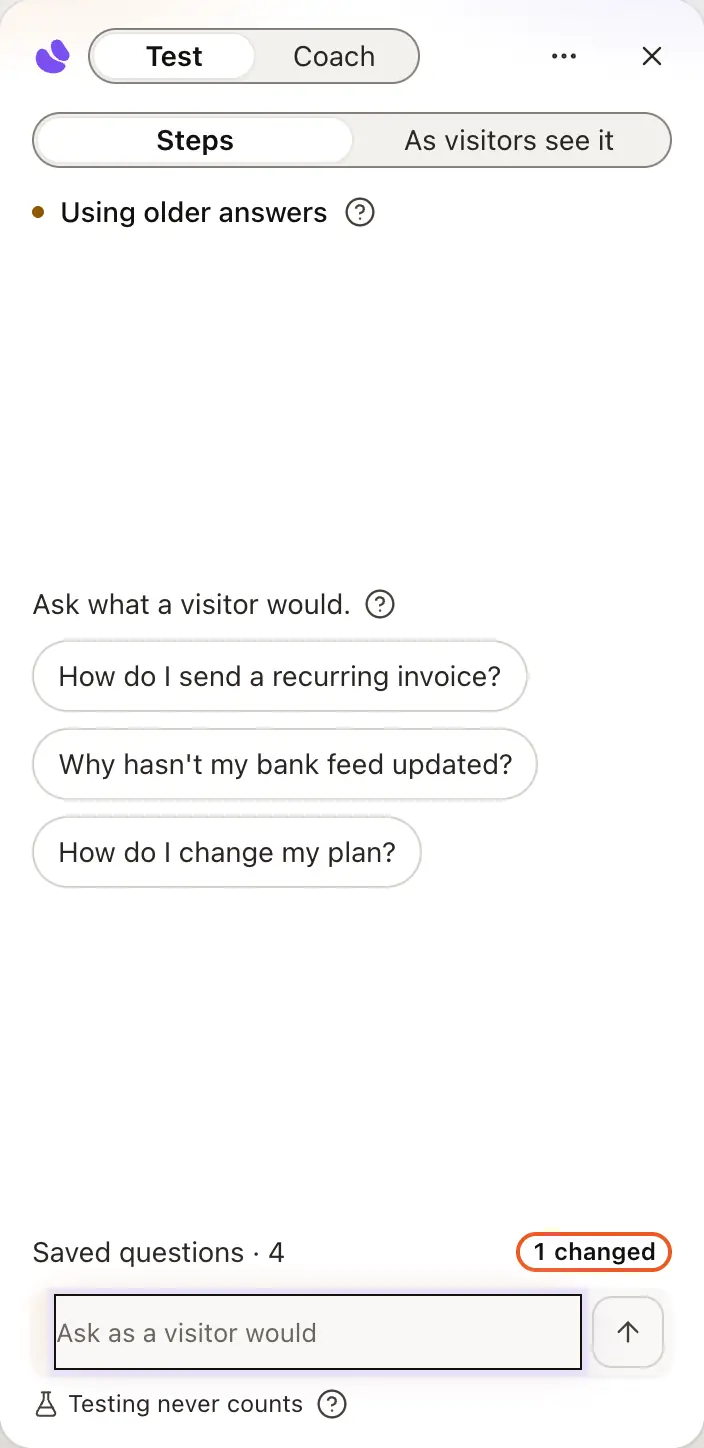
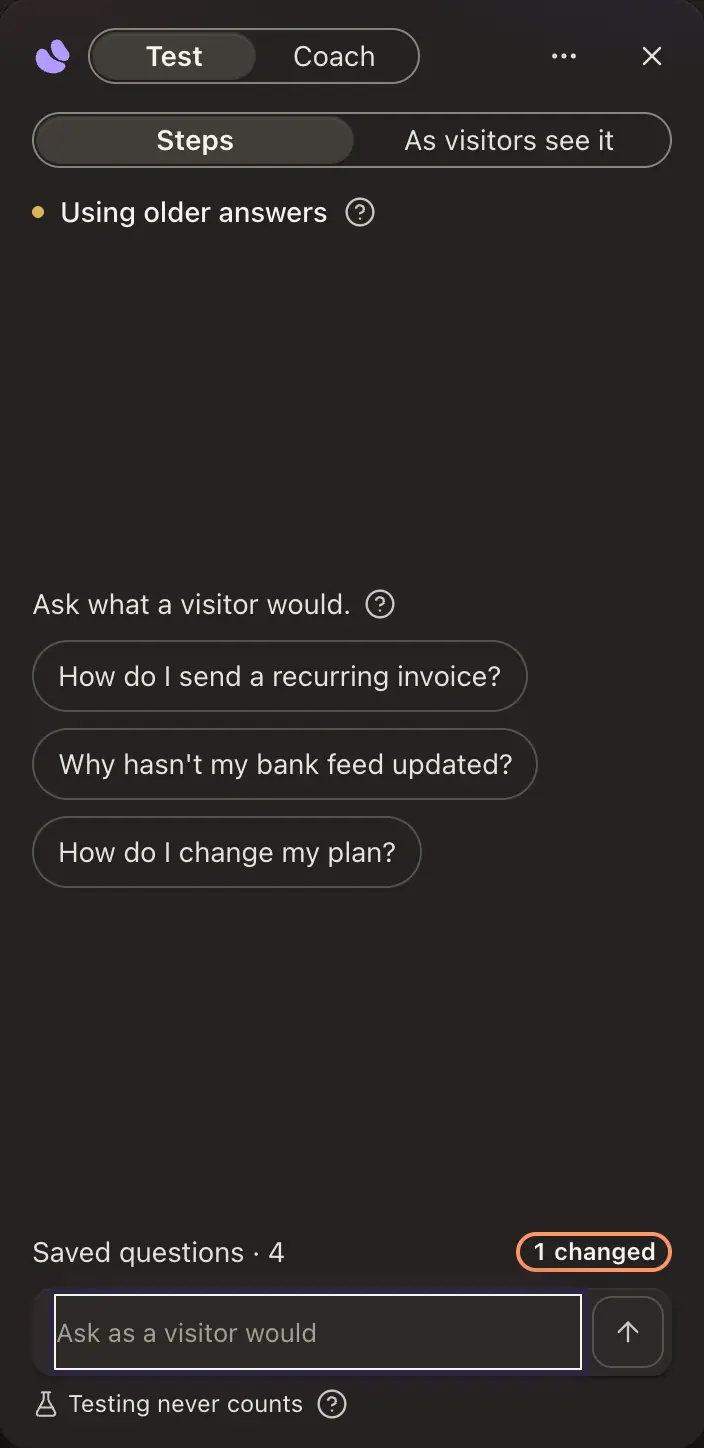
Type a question or tap a starting one. Steps shows how it found the answer: the searches it ran, the sources it read, and any action it would take. Actions are rehearsed, never carried out.
When it can’t answer, a Question for you card shows the question and what was missing. Teach it opens Knowledge with the question filled in, and Fix this answer does the same under an answer that’s wrong. When it answers well, Save keeps it as a test, so every train asks it again.
The line at the top says what your agent answers from right now, such as Answering from your material, Training, or Using older answers when a change is waiting for a train.
Test your agent
Type a question or tap a starting one. Steps shows how it found the answer.
When it can’t answer, press Teach it; when an answer is wrong, Fix this answer. When it answers well, press Save.
Open Tests. Each question your agent was asked while it was built shows Passes or Fails.
Ready check
While a Support Agent is built, hiy asks it 8 questions a customer would ask, up to 5 from your pages and 3 that customers usually ask. Setup shows Answered 7 of 8 · 1 needs you. An answer counts when it shows one of your sources; a decline, or an answer with no source, needs you. Teach it writes the answer in place. The questions become your first tests, and the check is on for every new agent. Turn it off for the workspace in Settings › Workspace, or for one agent in its Tests list.
See it as a visitor does
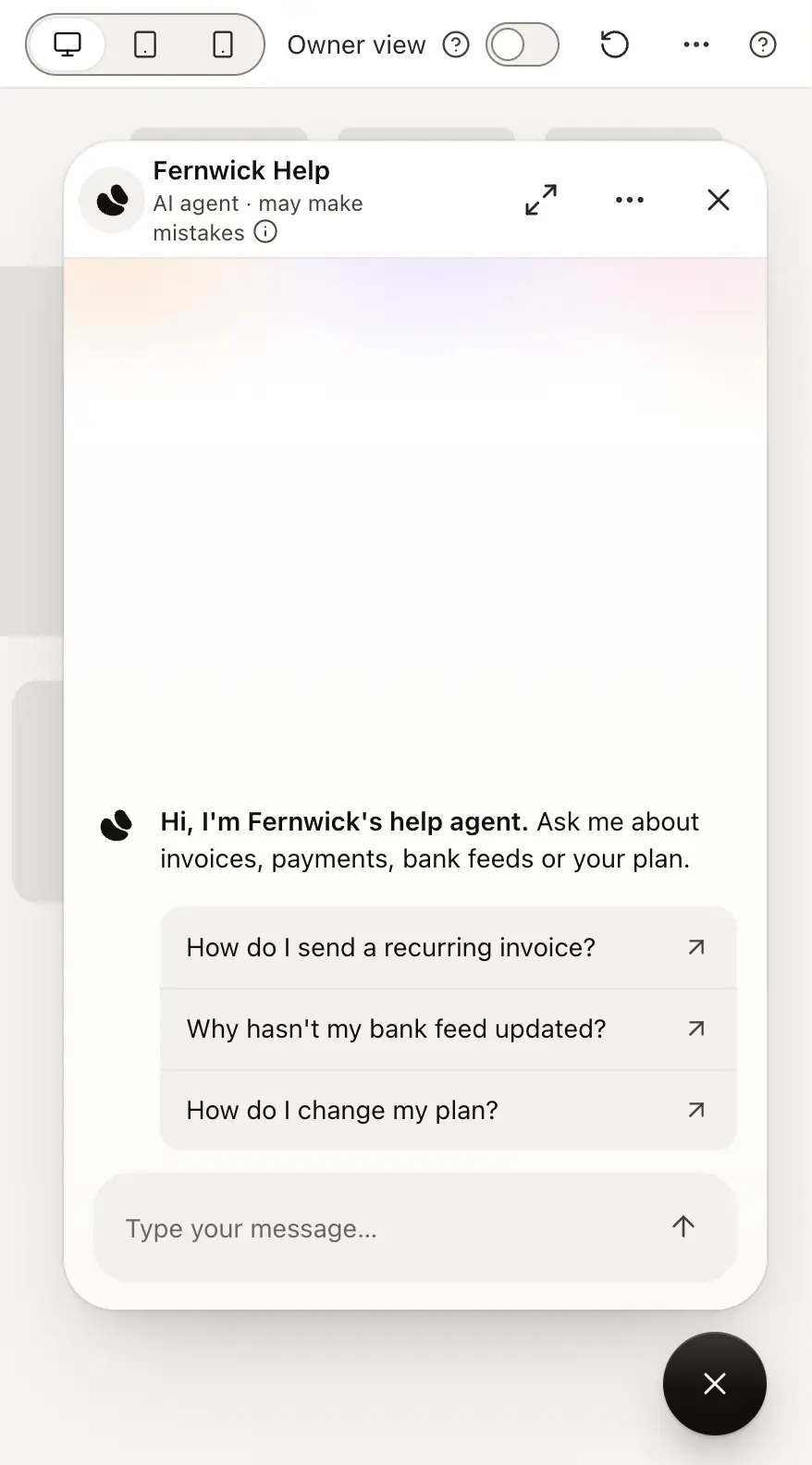
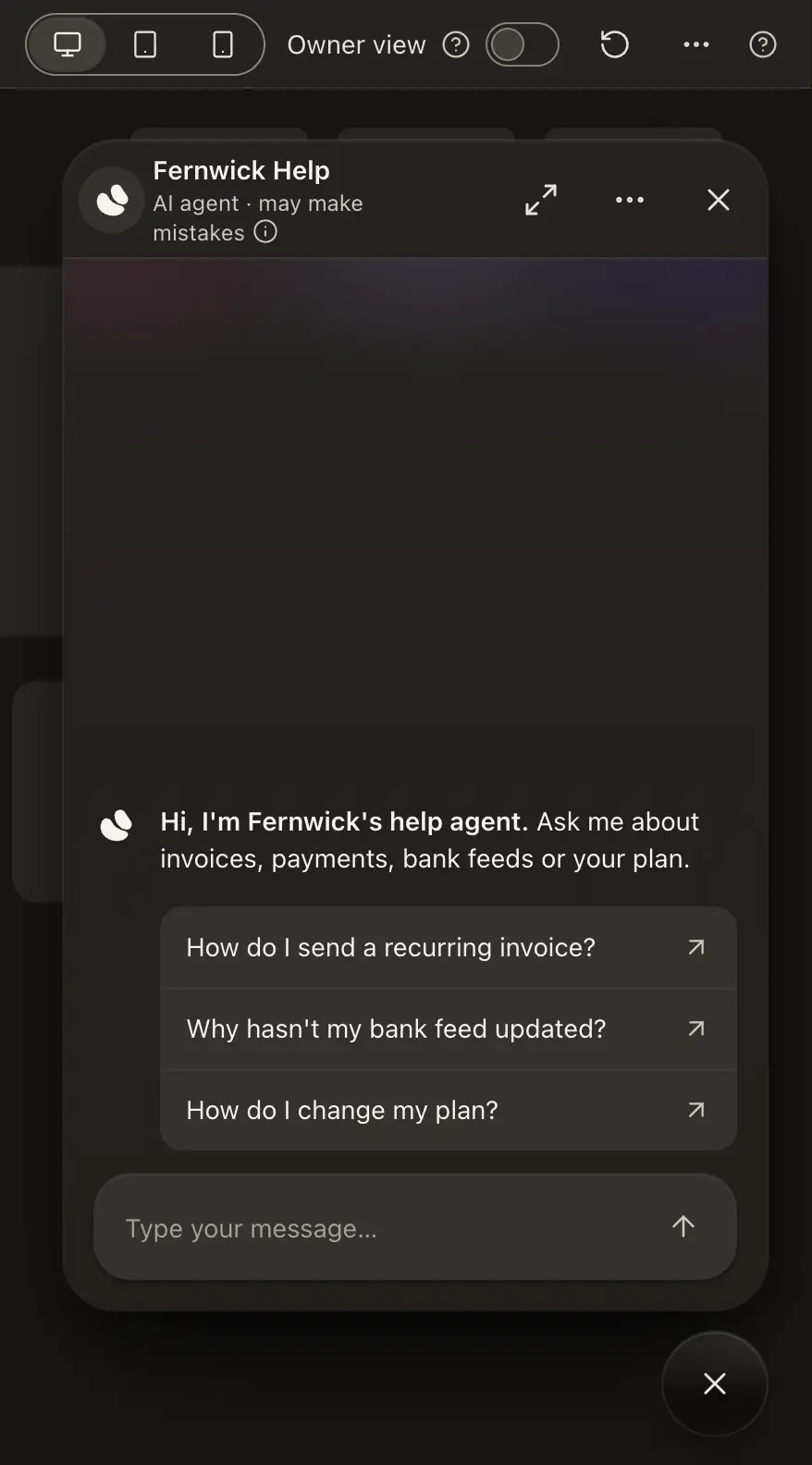
As visitors see it draws the same conversation in your agent’s own widget, bar or page. View as visitor, in the agent’s header, opens it in a full window over a neutral page labelled Your website, at desktop, tablet or phone size. Owner view opens the sources and receipts, as only you see them, and Copy link copies this view’s address. If your plan has no floating widget, or your agent has nothing to answer from yet, it says so.
Nothing here counts
Test messages don’t use your monthly message allowance, don’t show in Insights or your conversations, and don’t add questions to Unanswered. Anything your agent would do in another system, such as a Notify or Call your endpoint action, is rehearsed rather than performed. Where your workspace has the handover offer, Test shows the offer and the card too, and pressing them sends nothing. The same holds in View as visitor and in the Channels preview: a lead form or handover you fill in there saves nothing and emails nobody.
What to look for
- Does it sound like you? If not, do the personality interview.
- Does it cite real sources? Vague, uncited answers mean it needs more of your material.
- Does it decline what it should? Ask something off-topic and something private. If it answers happily, tighten What your agent answers.
- Does it admit gaps? Ask something you haven’t covered. It should say so rather than make something up.
Good to know
- Publishing never waits on Test, and you can test an agent before it goes live. Going live is the Live menu beside Test.
- The conversation stays until you close the browser tab. New test starts a fresh one.
- Regenerate asks the last question again in place of its answer. Copy conversation, in the ⋯ menu, copies the whole test.
- On a Support Agent, a Handed over chip marks an answer where a visitor would be offered your team. Nothing reaches your team from a test.
- The other half of the dock is Coach, which changes a setting when you ask in plain words.