Getting started
Make an agent in about a minute: paste one address, pick where it answers, and press Create. It reads your pages and trains itself.
After this guide you’ll have an agent that answers from your pages, shows its sources, and says so when it doesn’t know.
The six steps to a working agent
Paste your site, docs or channel and press Find its pages: it lists what is under the address and reads none of it, and what you leave ticked is what gets read. Next to the name, Change picks the kind of agent: a Support Agent for a product, a Team Agent for the colleagues you invite, or an Expert Twin that answers as you. This is step 1 of the setup.


Choose where it will answer, then press Create on the Connect step. Nothing exists before that press. After it, your agent reads your pages, writes its introduction and trains. Once it starts reading your pages, the rest runs on our servers, so you can close the tab. See A new agent trains itself.
Press Test in the agent’s header and ask what a visitor would. Only you can see your agent until you publish, and testing never counts toward your allowance. See Testing your agent.
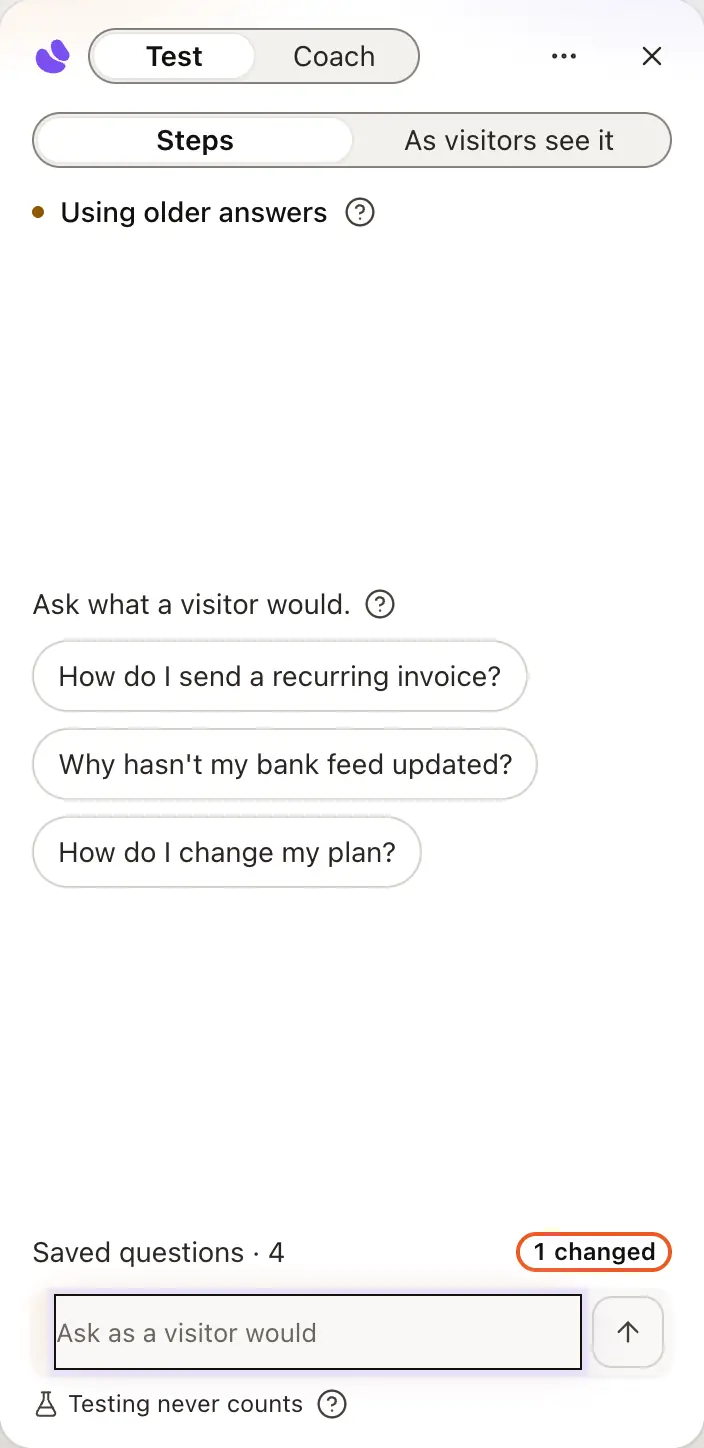
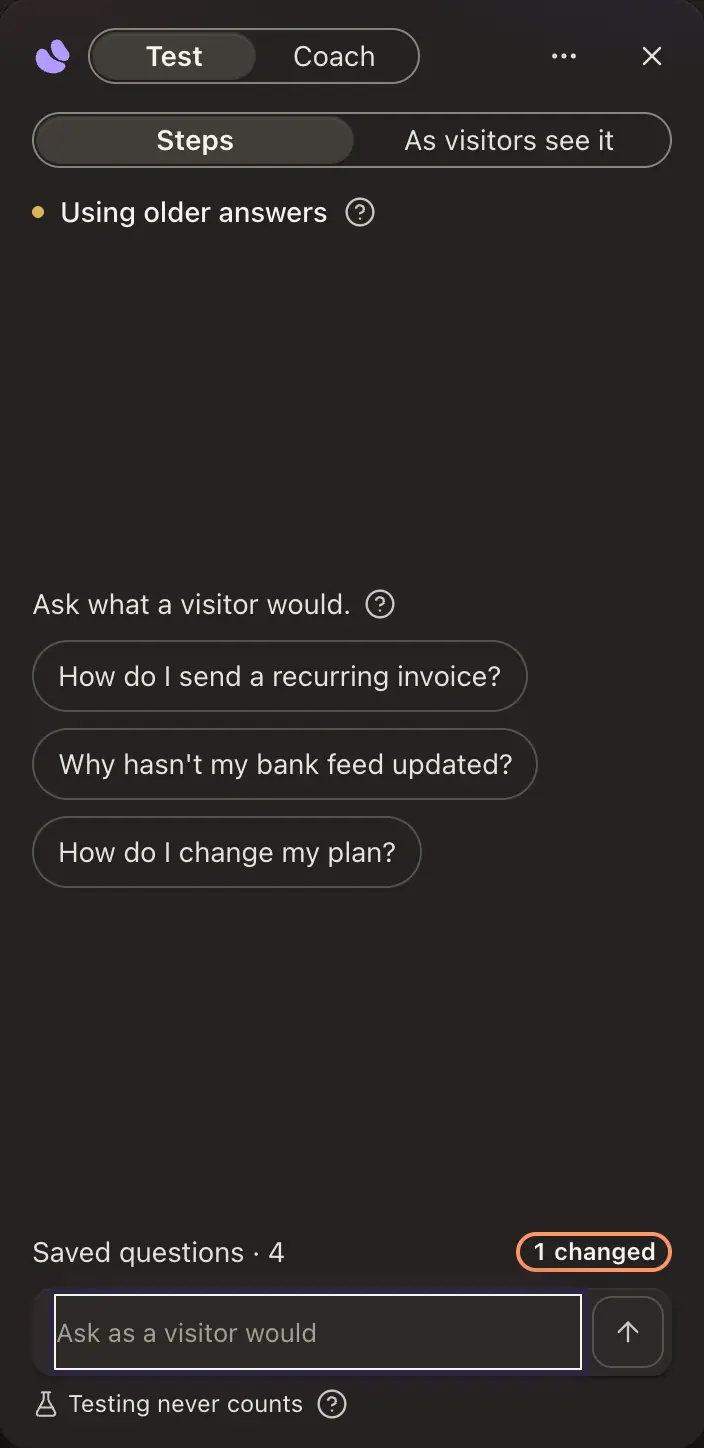
When it can’t answer, Teach it opens Knowledge with the question filled in. Add a source or a correction: a few things you actually wrote are worth more than a pile of generic filler.
Nothing is public until you publish. Open the state menu in the agent’s header, which reads Draft, and choose Live. Turning it Off again is instant.
Share your link or embed your agent on your own site. The checklist stays until your agent is out in the world.


The agent’s Overview counts these six stages under Set up and ticks each as it really happens, in any order.
Give it your voice
For an Expert Twin, the personality interview on the agent’s Profile › Personality is a short set of questions about how you phrase things. It’s the biggest upgrade to how much it sounds like you, and it lands at the next train.
Awaiting review
Publishing doesn’t always make your page answer at once. Because you may only speak for yourself or something you own, an agent whose name we can’t match to your account waits for a person to confirm it’s you. For an Expert Twin, we match its name to the name on your Google sign-in or to your email address, never to a name typed into hiy, and its knowledge must mention that name. The state menu reads In review and the agent’s Overview says Awaiting review, usually within one business day. The decision shows on the agent’s Overview — don’t wait on your inbox: it turns Live when it clears. You can keep testing and adding material the whole time.
If a review is declined, the Overview says This agent wasn’t approved, with the reviewer’s reason and what to send us. Your content and settings are untouched.
The states an agent moves through
- draftThe owner is the only reader.
- awaiting reviewPublishing still returns 404 to strangers.
- liveHuman approval makes it answer strangers.
review branches
- rejectedThe owner can read why.
- report queueDismiss, unpublish to draft, or reject.
Approval belongs to the reviewed name; renaming cancels it.
Get set up
Owners and admins see a Get set up list on Home, folded to one row, and as a card at the foot of an agent’s pages (on a phone, under the agent’s name in the menu). It has four steps: add knowledge, test your agent, connect a channel, and invite a teammate. In a workspace of only Team Agents or Expert Twins, the third step is Go live, and it ticks once one of them is live. Each step ticks by itself when it’s true, and the next step’s button opens a short guide beside the page. Just me for now skips the invite, and Hide this list puts it away until you bring it back with Show again at the top of Guides › All guides.
Getting help
Help is at the foot of the left column, and in the menu on a phone. It opens Ask hiy’s Support Agent, Guides for the page you’re on and All guides (these open the docs) and Talk to our team at hello@hiy.ai. Book a setup call appears when one is offered. On a page that has a guide, Guides in the top bar lists up to three of them, which open beside the page, then All guides and Read the docs. Press ⌘K (Ctrl K on Windows) to jump to an agent, a page or a setting.
Good to know
- An Expert Twin or a Team Agent lives at hiy.ai/your-name. Typing a name on the home page doesn’t hold it; it’s yours once you’ve made an account.
- Files, an assistant export or a list aren’t one address. Add them from Knowledge once the agent is built.
- After the first train, new material waits for the next one: Update agent, or tonight if Train overnight is on.
- Forgot password? on the sign-in screen emails you a link to set a new one. See Signing in and out.
- Nothing blocks you: every step has a default or a skip, and the address can be left blank.