Coach
Coach turns a plain request, such as “keep answers shorter”, into one change to one setting. You see the old value and the new one first, and nothing changes until you apply it.
Ask Coach
On any agent page, press Test, then Coach. You can also use Ask Coach… on Home, the Coach button at the top of other sections, or Fix with Coach on the Teach queue.
Type it in plain words, or tap a suggestion under Try one.
Coach shows what the setting says now and what it would say. Apply makes the change, Try it asks Test the same question before and after side by side, On your tests, where your workspace has it, runs your saved tests with the change and shows which would pass or fail (nothing is saved), Decline closes it, and, when the change is made of words, Edit the wording lets you say the new value yourself.
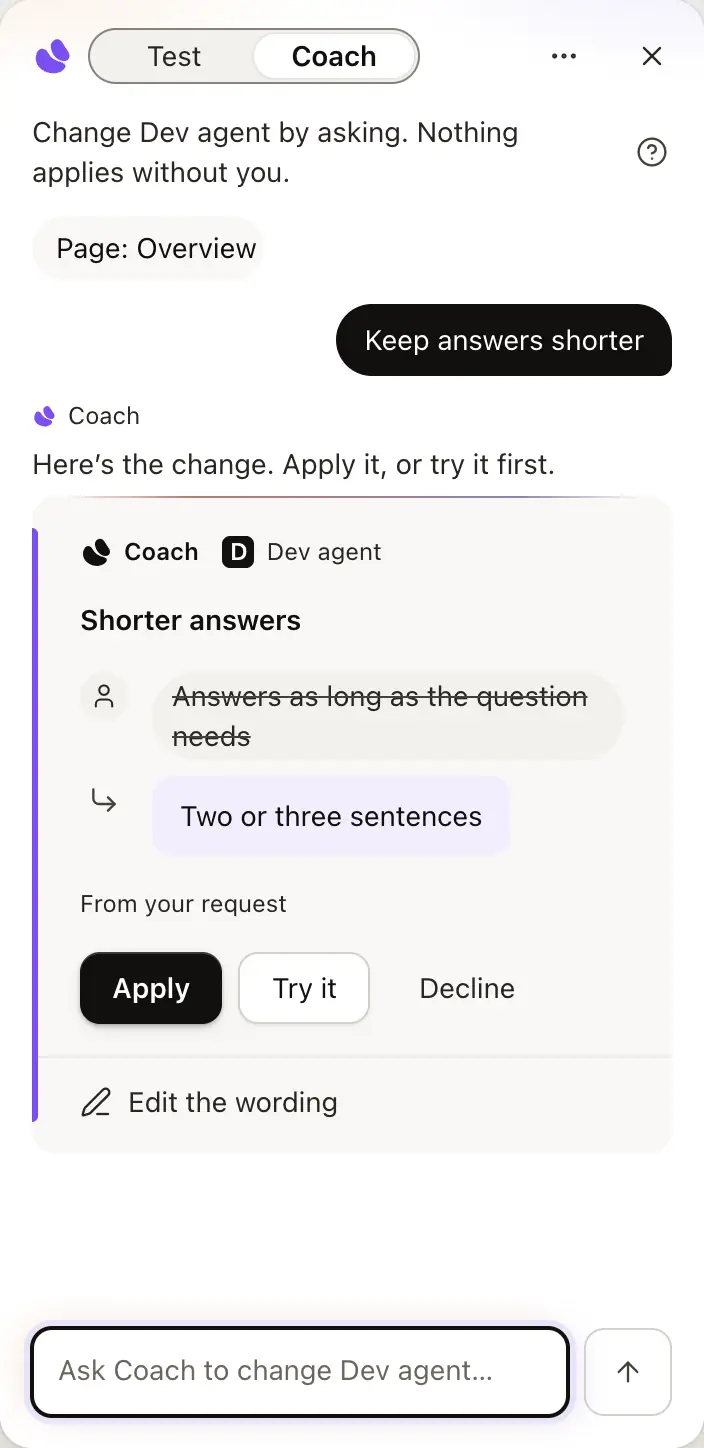
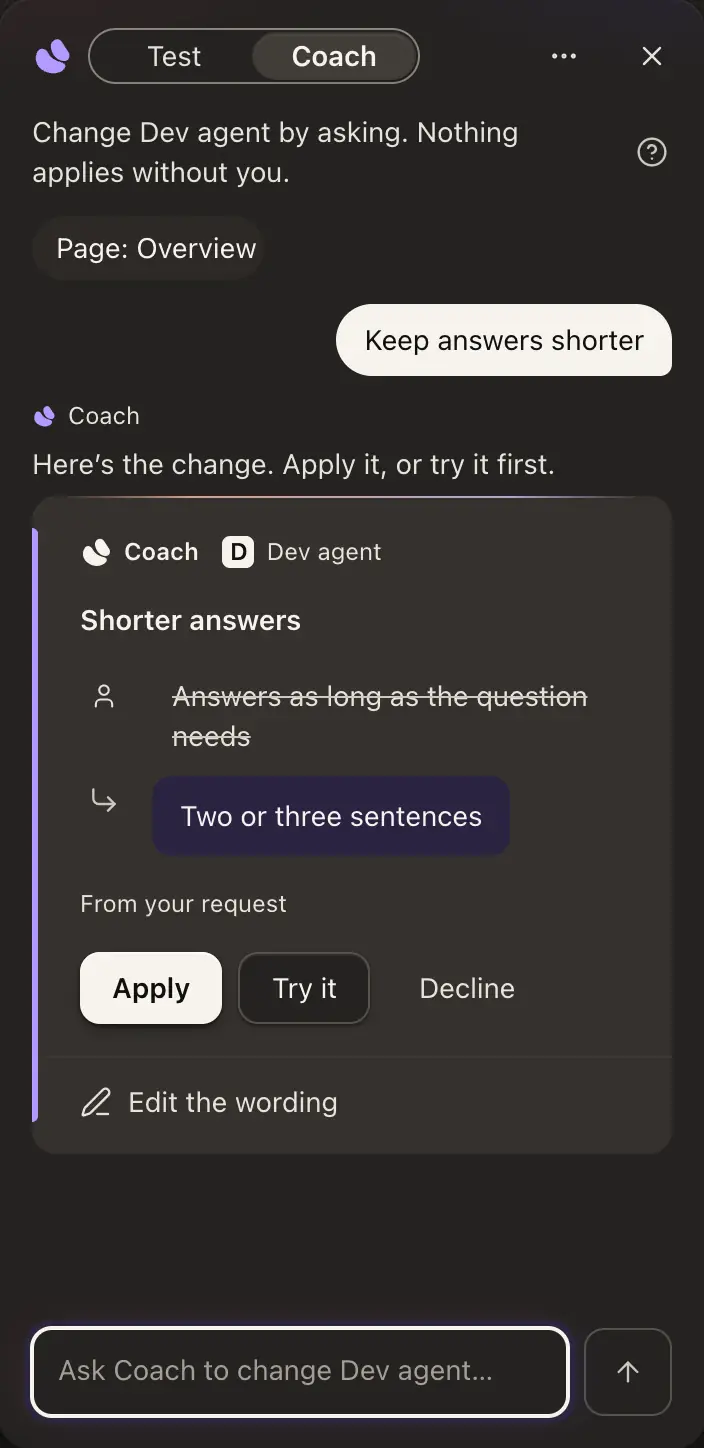
Your chat is kept
Coach remembers your chat for 90 days. Only you can see it. New chat starts a fresh one, and Coach history in the ⋯ menu brings an older one back.
What Coach can change
- The greeting, the suggested questions and the answer length.
- The subjects it covers, its off-limits topics, and how firmly it stays on topic (What your agent answers).
- What it says when it can’t answer, and a link under that line.
- When it hands over, and what it says while handing over. “Only when it can’t answer” turns off the extra offers: when someone asks, is upset or goes in circles.
- Adding one web page as a source, from a link you give it, and answering or dismissing a question in the Teach queue.
Coach never changes your agent’s bio or instructions, who can reach it, follow-ups, alerts or summaries, or its Skills and Tools. Those stay on the agent’s Behaviour, Channels and Settings pages.
When Coach can’t make a change, it says why and opens the page where you can.
Suggestions
When Coach is on, Recommended for you on Home and on an agent’s Overview also lists changes Coach noticed, with the agent’s name and the count behind each:
- A question asked 3 or more times this week, which opens Fix with Coach.
- An unused starter, or a greeting over 120 characters.
- With Automations on, in your own workspace, a rule for repeated questions, handovers after hours, slow pickups or new leads.
A suggestion changes nothing until you apply it. A rule saves off: Turn on opens its check in Automations, and Coach never turns one on. Decline hides that suggestion for 30 days.
Undo
After you apply a change, it folds to a line like Applied · Never discuss prices with Undo. Undo is a change of its own, so your history keeps both. Under the agent’s name, History shows when the agent was last updated; hover or tap the date to see its version, and open it to see the last five changes, yours and Coach’s, each with Undo. Changes you make on the agent’s own pages are recorded the same way. Removing a page shows there too, and Undo brings it back while it is in Recently removed.
Good to know
- Only an agent’s owner can use Coach on it.
- If the setting changed since Coach suggested it, Apply refuses, nothing is written, and Ask again asks it afresh. A suggestion expires after a day.
- Coach makes one change at a time to a setting you can see, never writes your agent’s instructions, and every change has an Undo. It isn’t a paid add-on.
- Coach is free within fair use: up to 50 requests a day and 300 a month that need its model, per workspace. Past that, if your plan uses credits, an ask costs 1 credit, given back if Coach fails (with none left, Coach says when credits come back); otherwise Coach waits until the limit resets. Simple requests and every button keep working.
Related
The private sandbox that doesn’t count against anything.
Keep it on your subjects instead of behaving like a general chatbot.
The greeting and suggested questions visitors see first.
Every question your agents couldn’t answer: open, dismissed and taught.