Support Agents
A Support Agent answers your customers inside your own site or app, from your docs. When it can’t answer, it says so and hands the question to your Inbox.
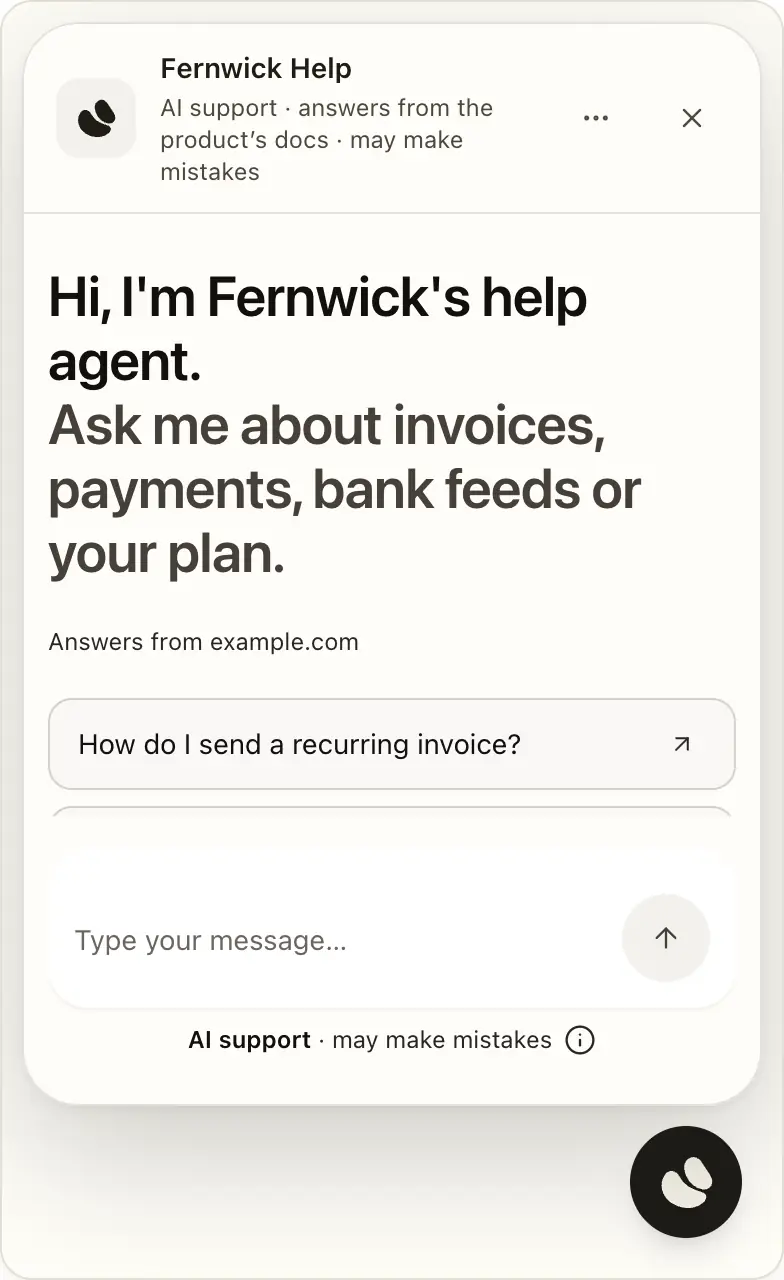
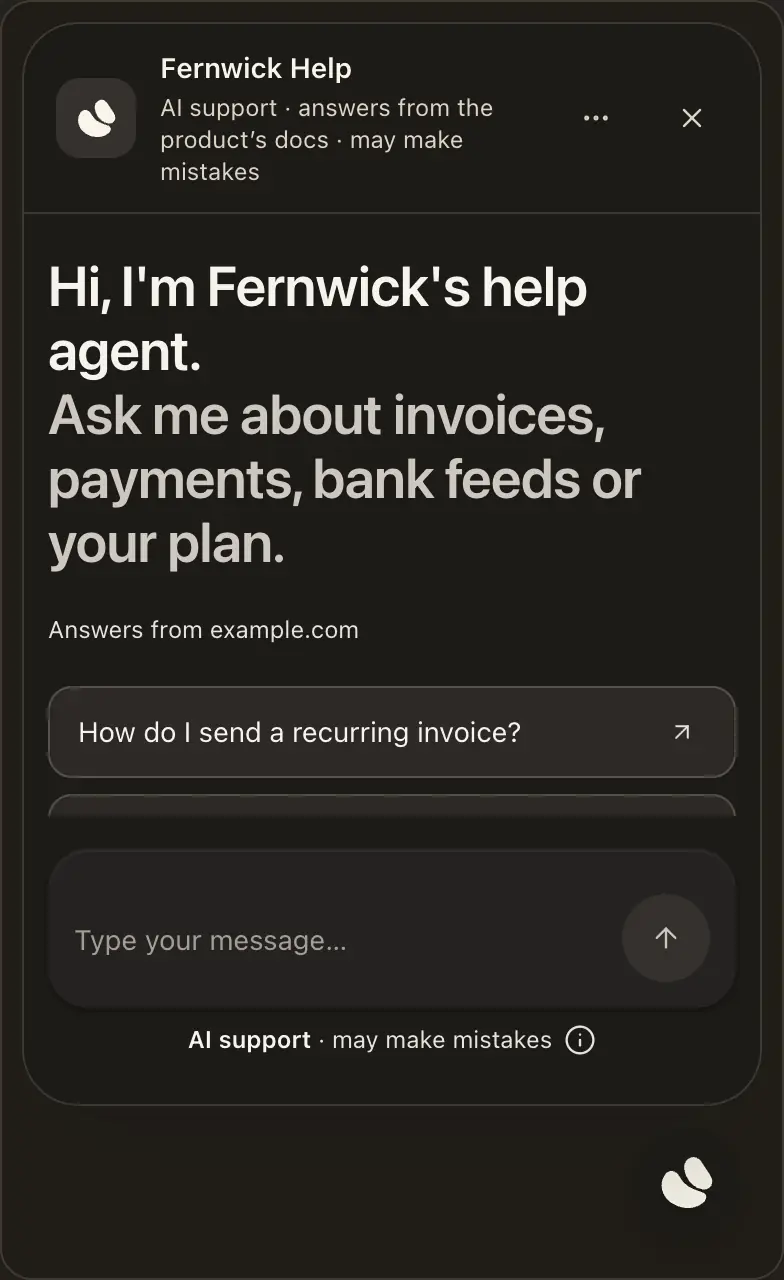
Set one up
In Agents, press New Support Agent, paste your help centre or docs site, and press Find its pages. See How hiy is set up.
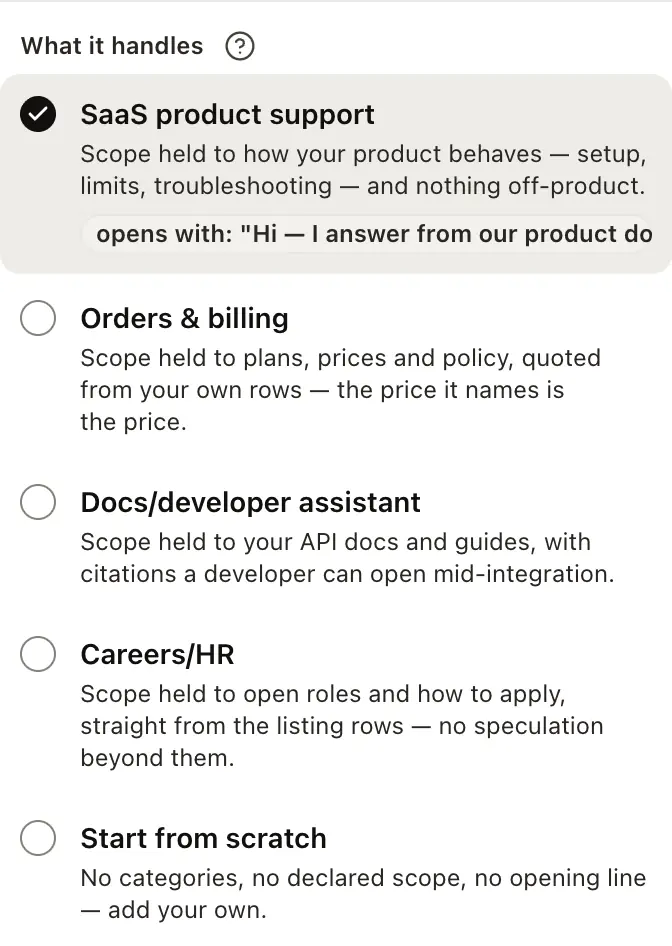
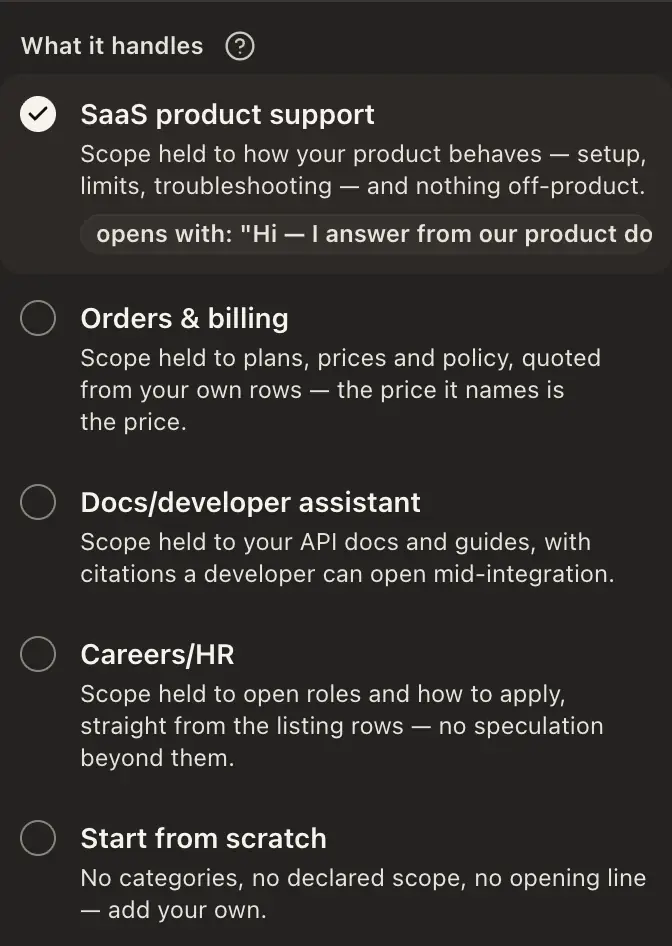
Next to Kind, press Change and choose a preset under What it handles.
Press Test in the agent’s header and ask what a customer would. Testing never counts toward your allowance.
Open the state menu at the top of the agent, which reads Off, and choose Live. Unless its name matches your account’s, or your workspace joined Early Access by invitation, a person checks it first, usually within one business day, and it reads Awaiting review. The decision shows on the agent’s Overview — don’t wait on your inbox.
Four presets, one agent
Choose SaaS product support, Orders & billing, Docs/developer assistant or Careers/HR. Each preset is a starting point you can change later: it adds lists, sets what it answers, and drafts a greeting and a handover sentence. Start from scratch sets none of it.
Start from a preset on the Agents page shows what each preset sets before you make the agent.
Put it on your site
There are two ways, both on the agent’s Settings › Where it answers. In the new Channels layout, rolling out, both are on Channels › Web chat › Bubble › Install, under Who can open it, and a Support Agent can also have a Support page.
One line, no server
For a help centre, docs site or blog, where visitors don’t sign in.
On the Install card, type your site, such as yoursite.com, and press Save.


It asks you once before it opens.
Paste it on every page, just before </body>.
Warning
Anyone, even a script, can ask an open agent, so treat what it knows as public. See Open on your site.
Signed in by your server
For apps whose users sign in: your server signs a short-lived token for each visitor.
It’s on the Security card.
The code is on the Install card and in The chat API.
Paste it where the agent should appear.
The signing secret
Your signing secret is on the Security card and under Workspace › Developers › Sites & install. It signs your visitors’ tokens, so keep it on your server, never in a browser or a code repository.


Rotate makes a new secret at once and old tokens stop working, so update your server straight away.
If the secret can’t be read, the card says so, and publishing, who can read the Inbox and what your site tells this agent all keep working.
The widget
The Install card’s snippet is the whole install: one <script> tag with your agent’s address, the mode (the floating bubble or the chat bar) and data-token-url, the address on your site that mints each visitor a token. When a token expires, the widget asks that address for a new one.
See it answer, before you write any server code
See it answer, on the Put it on your site card, appears once the agent has something to answer from. When it’s live, pressing it opens the launch kit, and See it answer inside that panel mints a ten-minute token and shows the real widget. Before that, it opens Test.
When it can’t answer
It says so and offers to pass the question on. The visitor leaves an email, and the handover lands in your Inbox at once with the whole conversation. Choose who it reaches, or turn handover off, on Settings › Handover. See Handing over to a person.


Your team can read it, not run it
Invite a colleague in Workspace › Team › Members and tick this agent under Agents they can open. They can read its Inbox and every conversation behind it, but they can’t change the agent, publish it or delete anything, or touch billing. With roles they can also mark people done. See Team Agents.
It shares your monthly allowance
Your plan’s messages are one pool for the whole account, so a second agent divides the month rather than doubling it. Support Agents come with Founding, your trial and Early Access. See Plans & billing.
Good to know
- It has no public page: without a token, its address answers “not found”.
- It starts on Strict scope and declines what your material doesn’t cover. Change it in Settings › Rules.
- Unpublishing is immediate and affects only this agent.