Signing in and out
Sign in with your email and password, or with Google. You stay signed in on that browser until you log out.
Sign in
Enter your email and password and press Sign in, or press Continue with Google.
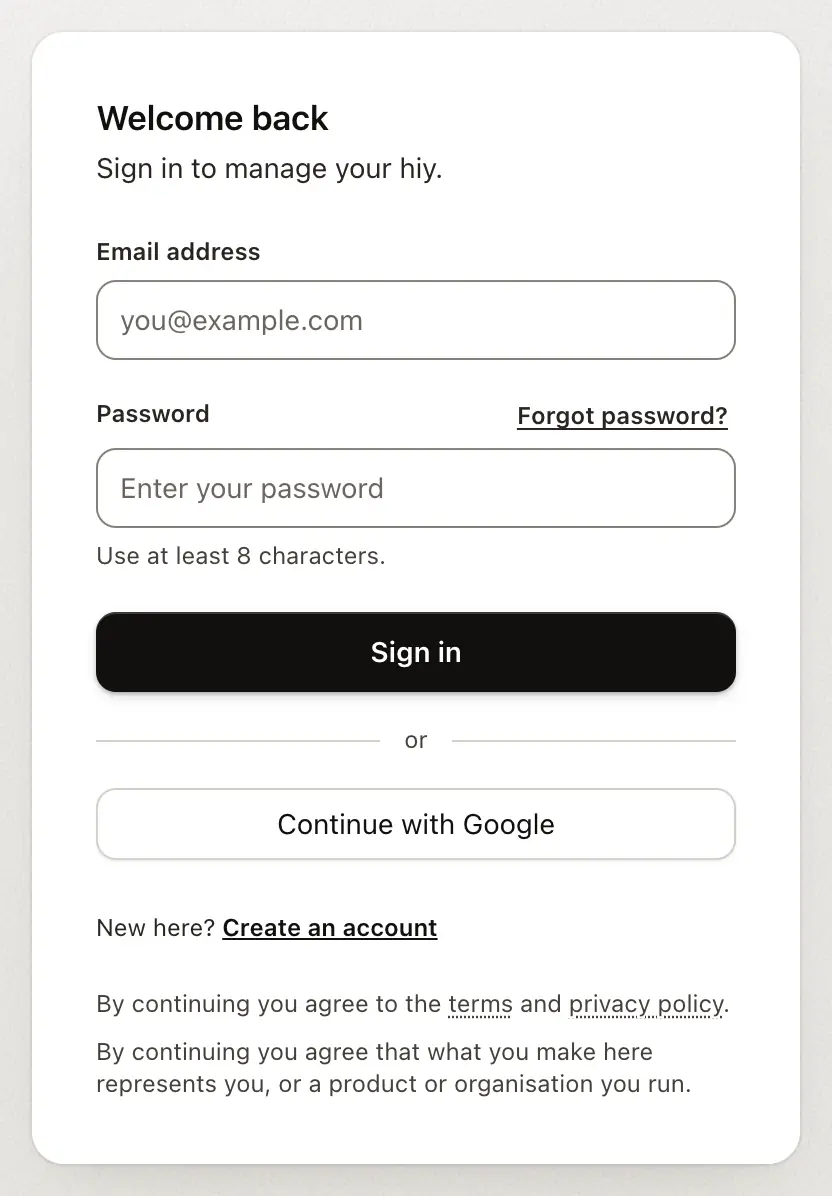
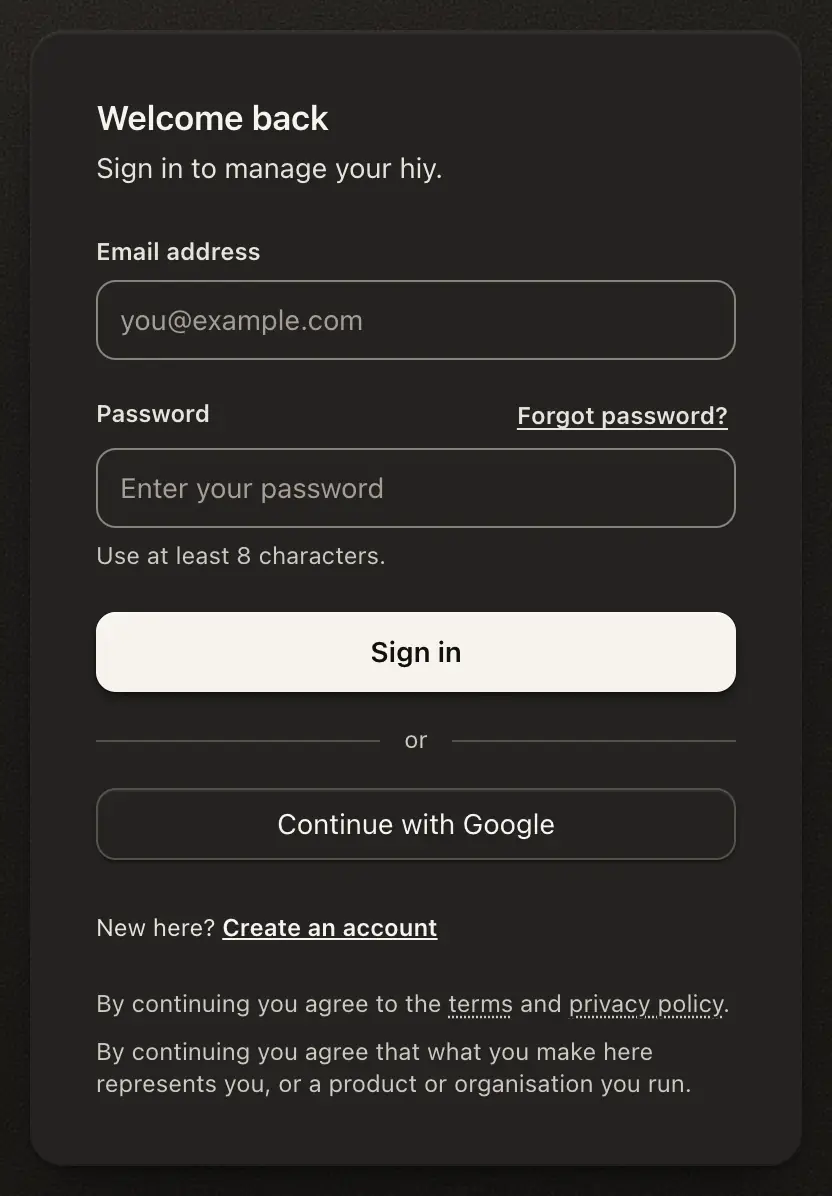
Signing up sends one email. Open its link to confirm your address and sign in. If the card says it can’t email that address yet, or nothing arrives after a few minutes, press Continue with Google on the same card, or check your spam folder and press Resend email.
Invited to a workspace? The card names it, for example Join Fernwick Support on hiy. Sign in or sign up with the address the invite went to. After you sign in, hiy opens what you were invited to. The card shows that address partly hidden. A link older than 30 days opens the usual sign-in card, and the invite still works.
Sometimes a form asks you to prove you’re a person before it sends. Usually there’s nothing to do; now and then it asks for a click.
If a link stops working
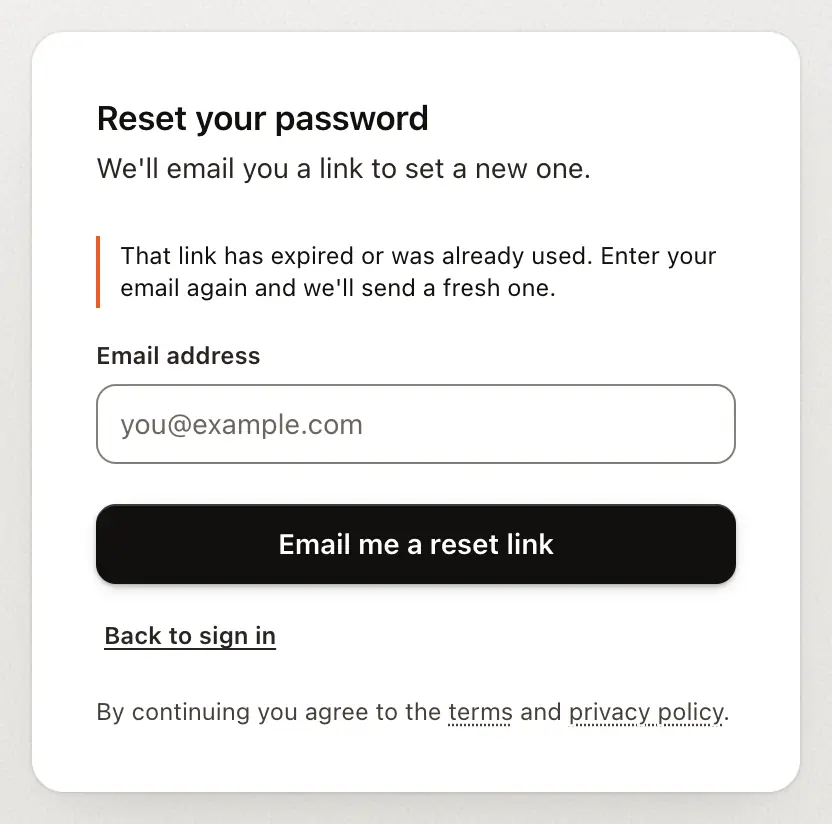
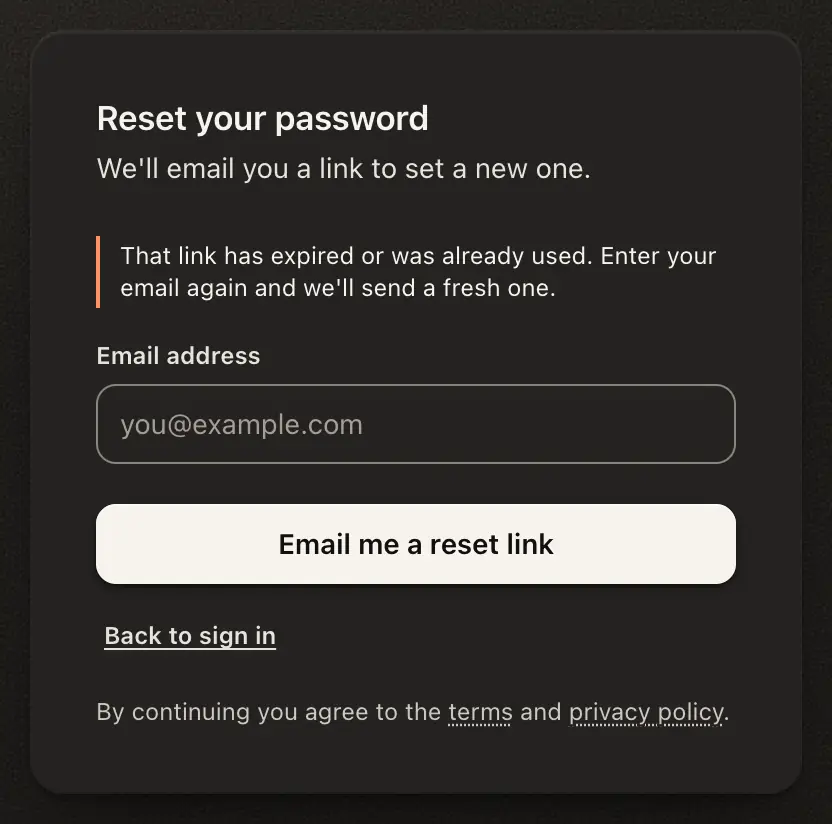
Each link we email works once and expires after a while. If you open a used or expired one, you land on the sign-in card with a note saying so. Enter your email again and we’ll send a fresh link.
Log out, or sign out other devices
Both are in your account menu, at the bottom of the left rail. On a Team Agent’s page, Log out is in the menu under your initial, top right.
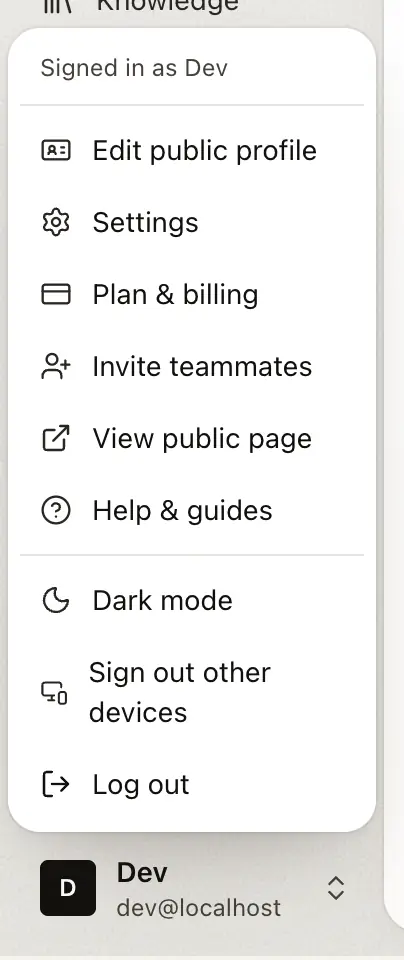
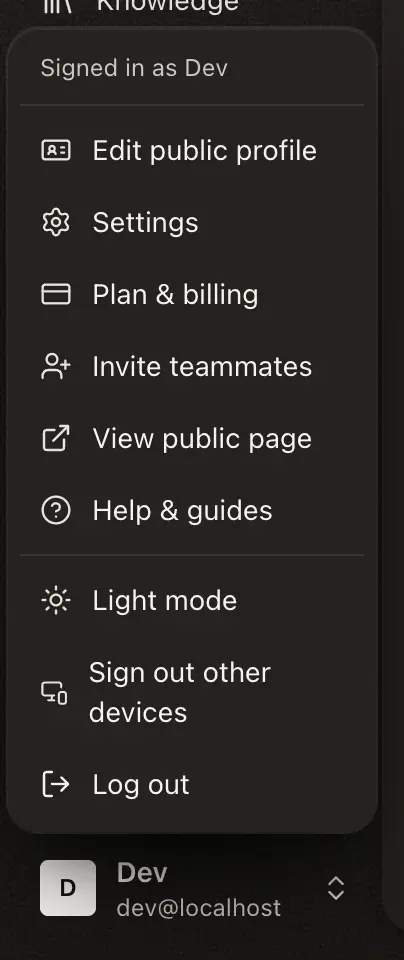
- Log out signs you out everywhere: this browser, your phone, every device.
- Sign out other devices ends every session except this one, so you can keep working. Use it after signing in on a shared computer, or if you lost a device.
- No agent yet? Setup has no account menu. Open Help, then press Log out.
Tip
Clearing your cookies doesn’t sign you out. It only deletes this browser’s copy, and other copies stay signed in. To end a session for real, use Log out or Sign out other devices.
Change your password
Change it in Workspace › Profile. If you’ve been signed in for more than a day, we email you a one-time code to enter first.
Good to know
- Changing your password doesn’t sign other devices out. Use Sign out other devices as well.
- An emailed link works once. Ask for a new one rather than reopening an old email.
- Accounts that use Google have no password to change.