Zendesk and hiy. Help centre in, tickets out.
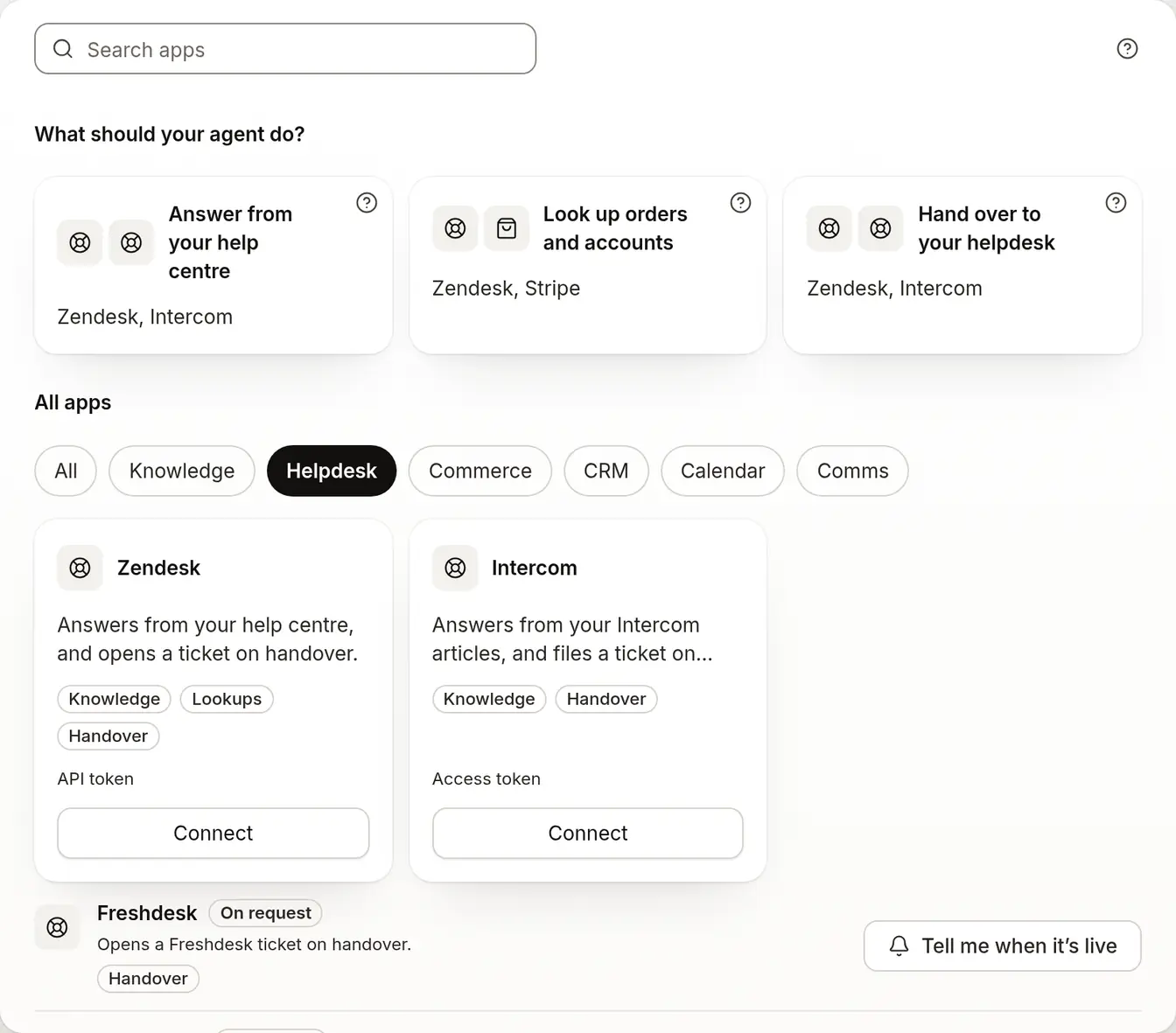
Answers from your help centre, and opens a ticket on handover.
On Growth and up.
What it does for you.
- From Growth
Answers from your help centre
Connect Zendesk and import your published help articles as knowledge, so the agent answers from what your team already keeps.
- From Growth
A ticket when it hands over
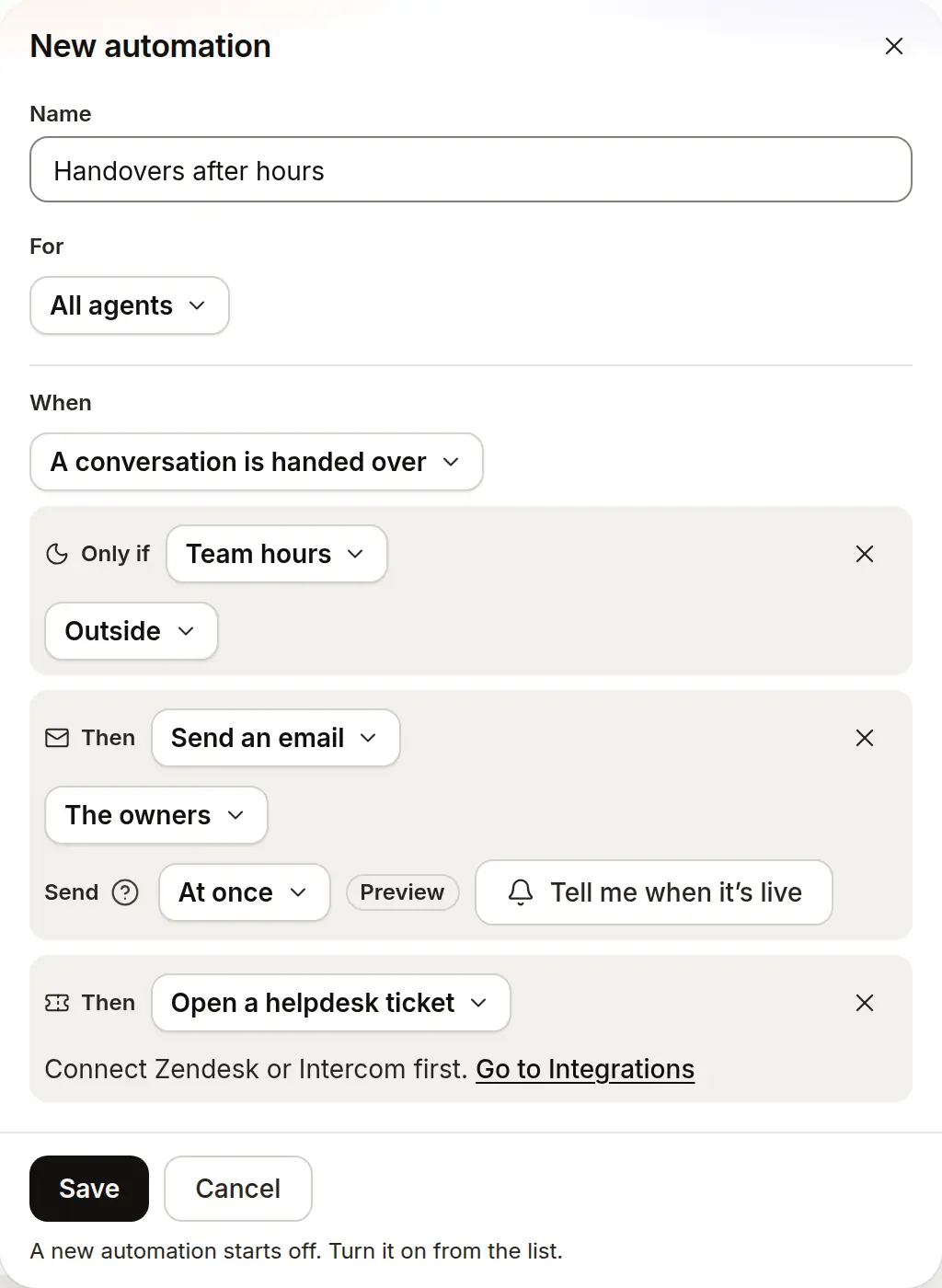
A ticket opens in Zendesk the moment the agent hands a chat over, so your team picks it up where it already works.
- From Growth
Connect it with a token
You’ll need your Zendesk subdomain and an agent email and API token. Connect it once for the whole workspace.


Which plan it needs.
Each line sits on the lowest plan that includes it.
Growth
$40 a month5 agents
- Imports your published Zendesk help articles as knowledge
- Opens a ticket in Zendesk the moment the agent hands over
- Connects to Zendesk once for the whole workspace
Questions people ask first.
What do I need to connect Zendesk?
You’ll need your Zendesk subdomain and an agent email and API token.
Does it open a ticket for every chat?
No, only for a handover. Chats the agent answers don’t open a ticket in Zendesk.
Does it read my Zendesk help centre?
Yes. Your published Zendesk help articles can be imported as knowledge once the connection is made.
Do I need Zendesk to use the Inbox?
No. The Inbox holds every handover on its own. Zendesk adds a ticket there too.
What about Intercom?
Intercom connects the same way: answers from your Intercom articles, and files a ticket on handover.
Which plan do I need?
Starter ($19.99 a month) covers the website chat, the Inbox and handover. Growth ($40 a month) adds the Zendesk connection.
More on how it works.
Put an honest agent in front of your pages.
Start free; the paid plan is free for 14 days.
- 14-day free trial
- No card needed
- Paste a URL to start